A backup you have never restored is only a hope.
Verify that your Home Assistant backup is usable, practice the recovery path before an emergency, and move to new hardware without guessing what gets restored, or what does not.
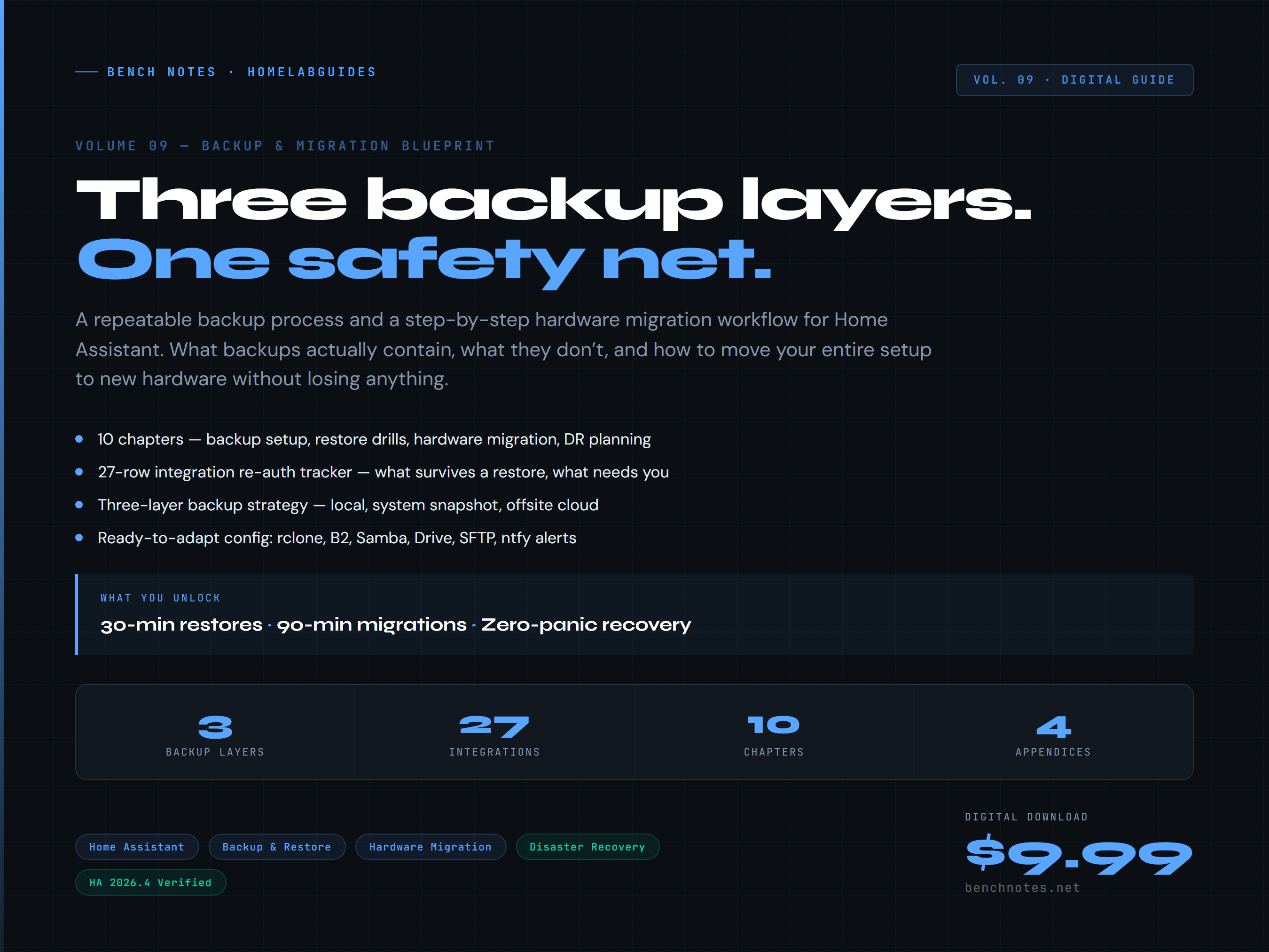
Know what happens after the machine fails.
This is not another reminder to “make backups.” It is a practical system for verifying that the files exist, leaving the building with a copy, and knowing how to recover.
Check the file, storage location, encryption details, and restore dependencies.
Use a repeatable drill instead of learning the restore screen during an outage.
Capture integrations, add-ons, credentials, radios, IPs, and external dependencies first.
Use a post-restore checklist so “it booted” is not mistaken for “everything works.”
Tools you can use during the actual job.
Backup readiness checklist
A fast audit of backup age, storage location, encryption, retention, and recovery access.
Three-layer backup plan
A practical model covering Home Assistant, a second device, and an offsite copy.
Restore drill runbook
The order to test, what to verify, and when to stop before changing production.
Migration inventory
Integrations, add-ons, network details, USB radios, credentials, and external services.
Re-auth tracker
A structured list for the integrations that commonly need credentials or confirmation after a move.
Complete Vol. 9 guide
The full printable PDF and portable HTML edition, including troubleshooting and recovery notes.
Built for the person responsible when it breaks.
This is for you when…
- Your Home Assistant instance matters to the household.
- You are moving from a Pi, old PC, VM, HAOS, or Container host.
- You have backups but have never tested a restore.
- You use Zigbee, Z-Wave, add-ons, custom integrations, or external containers.
This is not…
- A managed backup service.
- A guarantee against hardware failure or corrupted source data.
- A replacement for vendor documentation.
- A generic cloud-backup article padded into a PDF.
Before you buy
Does this work with HAOS and Home Assistant Container?
Yes. The guide explains the shared backup concepts and the differences that matter when the host, add-ons, or adjacent Docker services are managed differently.
Will every integration restore without re-authentication?
No. Some integrations depend on cloud tokens, device pairing, network identity, or external services. The kit includes an inventory and re-authentication tracker specifically because a backup cannot guarantee every outside dependency.
What files do I receive?
A printable PDF and an HTML edition you can keep locally. The purchase is one-time and does not require an ongoing subscription.
Can I start free?
Yes. Run the free readiness checklist first. It is useful on its own and will tell you whether a deeper restore and migration plan is warranted.
Make the next restore boring.
Inventory the system, verify the copies, practice the sequence, and keep the runbook beside the hardware.
Get the kit for $9.99 →